
Hit by a cyber attack? We're here to help!
Digital Forensics and Incident Response Services
Our team provides quick and efficient response times and minimizes the damage to your business.

Cybersecurity solutions
We provide you with the services you need to successfully build a secure and sustainable IT environment, prevent cyber breaches, and stay strong in case of an incident.
Service areas within cybersecurity
Hit by a cyber attack? We're here to help!
Our team provides quick and efficient response times and minimizes the damage to your business.

Cybersecurity incident response
Have a highly trained incident response team on your side. With a team of incident response experts on standby, you’ll be back in business quickly in case of a breach.

Incident response
Our exercises go beyond defense—they elevate your cybersecurity. Truesec’s hands-on simulations will sharpen your team’s reflexes and empower them with proactive tactics to deal with digital threats.

Improve your IR capabilities
Stay ahead by implementing a consistent incident response plan. Truesec specialists will guide you.
Service areas within cybersecurity
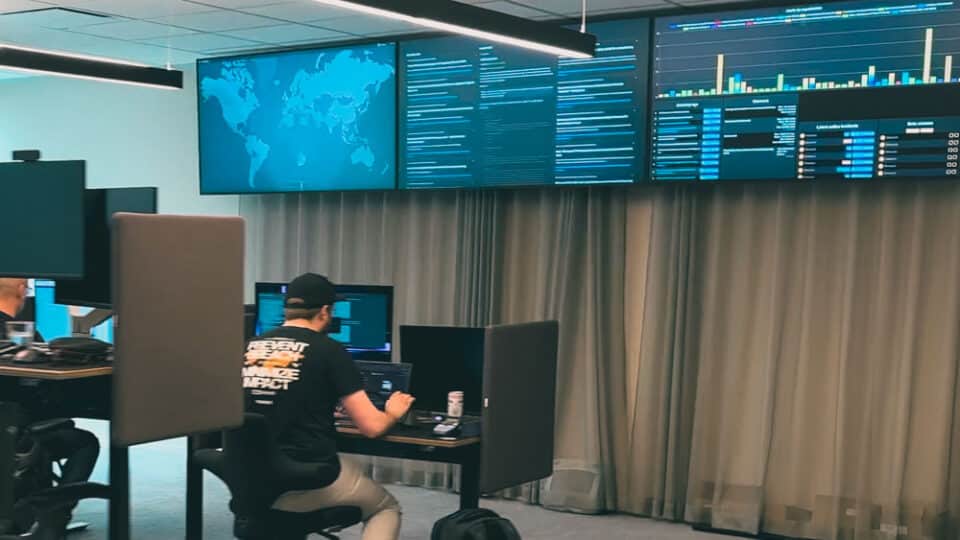
Unrivaled cybersecurity
Detect and manage cyber threats 24/7. We ensure your data and operations stay secure by applying real-time monitoring and rapid action against threats.

Full potential with data, development, and insights
Truesec cyber specialists provide quick and efficient response times and minimize the damage to your business.

An all-in-one cybersecurity platform
Our platform, created by top experts, is one of the most advanced in the industry.
Service areas within cybersecurity

Cyber Threat intelligence
With Truesec’s cyber threat intelligence, you get knowledge about attackers and their techniques.
An all-in-one cybersecurity platform
Our platform, created by top experts, is one of the most advanced in the industry.

A hundred years of experience
Protective security aims to protect against espionage, sabotage, and terrorism, where the use of recruited agents on the inside is increasingly regarded as the preferred method.
Service areas within cybersecurity
Our offensive security services
A Penetration Test is an active but controlled attack simulation against your IT environment
A simulated cyber attack on your business
A Red Team exercise improves your cybersecurity (networks, personnel, and products) posture by demonstrating the impacts of successful attacks.
Service areas within cybersecurity

GRC
Truesec’s GRC services, led by top cybersecurity consultants, will help your organization maintain compliance with industry standards, regulations, and insurance requirements while managing ongoing cyber threats.

True experts in cybersecurity
Cloud security involves policies, technologies, and practices safeguarding data, apps, and infrastructure in cloud environments from unauthorized access, breaches, and cyber threats.

Cybersecurity safeguards all types of data against theft and loss
We help you identify, prioritize, and manage misconfigurations in cloud environments, reducing cyber risk and enhancing security.

True experts in cybersecurity
The regulatory requirements on the horizon like NIS2*, CRA*, DORA*, CSA*, and the ever-evolving GDPR dictate that you need to work with cybersecurity in a market-established, structured, and accepted way.

Proactive cybersecurity
Crafting Resilience, Ensuring Continuity: Your Guide to Cyber Resilience Implementation
A hundred years of experience
Protective security aims to protect against espionage, sabotage, and terrorism, where the use of recruited agents on the inside is increasingly regarded as the preferred method.
Service areas within cybersecurity

Keep your organization safe and secure
We combine cyber defense strategies with the modernization and strengthening of your digital infrastructure to keep your operations safe, secure, and one step ahead of criminals.

Strengthening IT security
Vulnerability management is an ongoing, proactive, and comprehensive process that safeguards your computer systems, networks, and enterprise applications against cyberattacks and data breaches

Ensuring the right access for enhanced security
Identity and Access Management (IAM) service is a crucial line of defense in preventing breaches.

IAM implementation
How Identity and Access Management (IAM) Can Mitigate Identity TheftHow Identity and Access Management (IAM) Can Mitigate Identity Theft
Service areas within cybersecurity

Prevent breach and minimize impact
Applicaion security help organizations protect all kinds of applications

Secure your business
We’ll help you Identify, assess, and mitigate security risks in your application with our thorough Application Security Assessment services (Did we hear someone say DevSecops?)